 oasis-b
Living World Kit for Claude
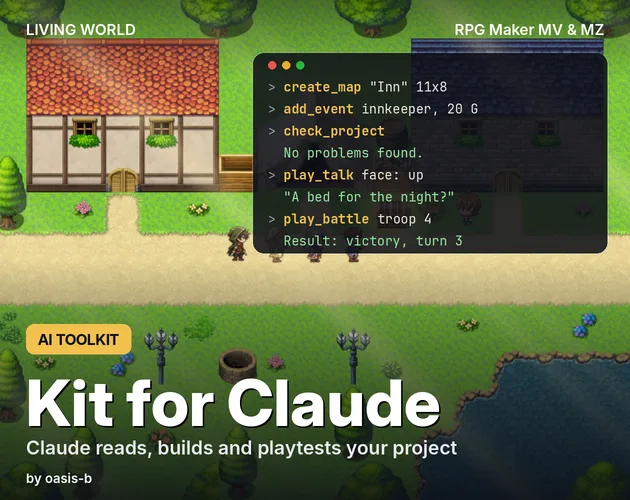
An AI toolkit for RPG Maker MV and MZ. Claude reads your project, finds bugs, builds maps and events with a backup of every change, and plays your game in a hidden browser to check its own work.
What Claude can do with it
- Read and check (16 tools): project overview, maps as text grids, every event as readable commands, where a switch, variable or item is used, and a project check for common bugs. Switch between projects in the same chat.
- Build (12 tools): new maps from your own tiles, events from presets or full pages, database entries, switch and variable names. Every change makes a backup first and can be undone.
- Play (14 tools): Claude starts the game, walks with real key presses, talks, chooses, fights and takes screenshots, so it can test what it built. Player profiles play a whole game on their own.
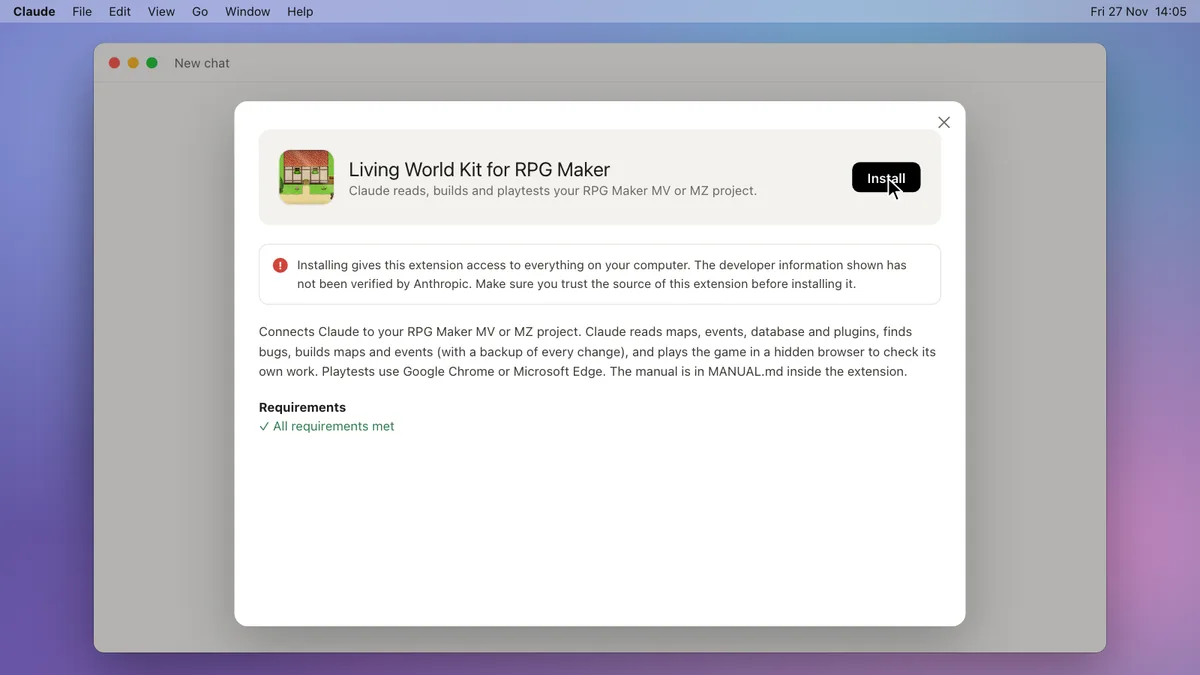
- Setup in seconds: a check_setup tool says what is missing. Install it as a Claude Desktop extension, or use it in Claude Code. MV and MZ in one kit, on macOS, Windows and Linux.
How it works
- Install the Claude Desktop extension and pick your project folder, or say "set up the kit" in Claude Code.
- Ask in plain words: "Why does the guard never let me through?" or "Build a small inn next to the well."
- Check what Claude did: it shows the changes, keeps a backup and can play the scene for you.
Free plugins for Claude
Want to try it first? Two free plugins let Claude read your project and explain it. Both only read, so your project stays as it is. Open source under the MIT license.
RPG Maker HelperA skill and five commands:
/bug-hunt, /trace, /explain-map, /world-map, /plugin-audit. No program of its own.Living World Kit LiteThe same plus a small read-only tool server: events decoded in plain words, every use of a switch, variable or item in one step, maps as text grids.
/plugin install living-world-kit-lite --marketplace oasis-b/living-world-kit-lite
Source and setup: github.com/oasis-b/living-world-kit-lite
More
- Kit manual: setup, every tool, workflows and troubleshooting.
- Roadmap: what we work on next.
- Devlog: release notes of every update.